Who paid? Keeping order records from chats
A simple order record any seller can keep in a notebook or on their phone, with order codes, what to write down and how to match MoMo payments.
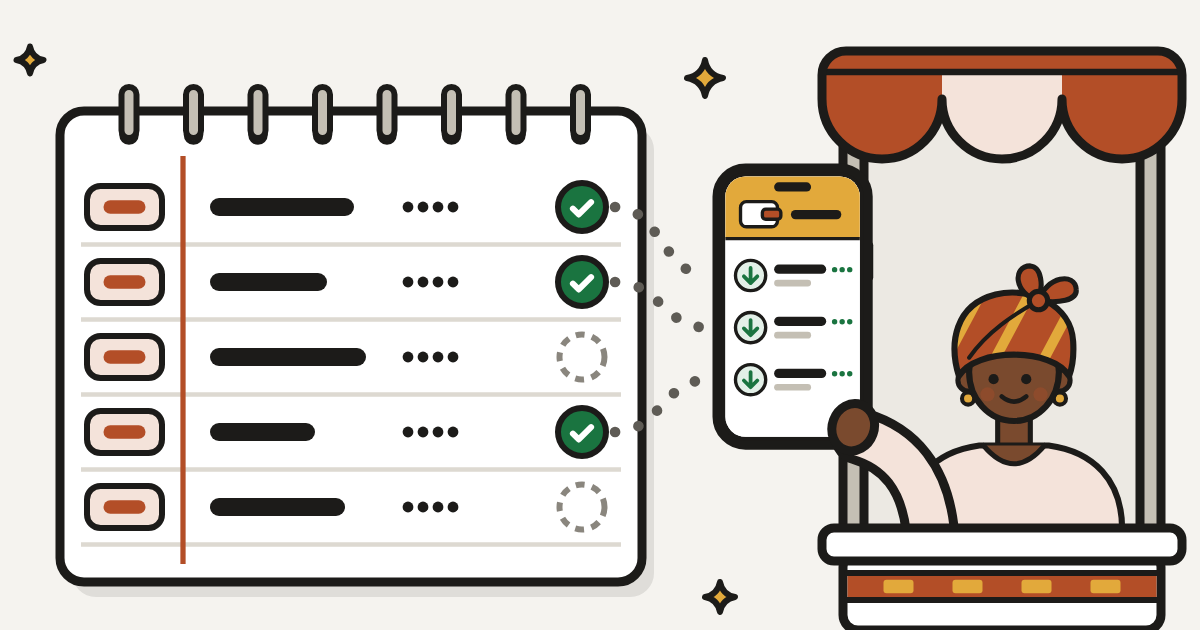
To know who paid when your sales happen in WhatsApp, Instagram and TikTok chats, keep one order record outside the chats. Give every order a short code, write one line for it as soon as it’s agreed, and mark it paid only when you see the money in your own MoMo wallet. A notebook works, and so does a note or spreadsheet on your phone, as long as every order goes in the same place.
Chats make a poor order book
In a MyJoyOnline column in October 2026, Raphael Beinamwin described a set-up many social sellers will know: “WhatsApp became the sales desk”, and “The screenshot became the receipt.” He wrote that a seller “manually matching MoMo alerts against customer screenshots is pointing at a reconciliation problem worth solving.”
Coverage of a new selling tool in 3News lists the jobs that follow a single Instagram sale: “confirming a price on WhatsApp, checking stock, recording an order, tracking payment and arranging delivery”. It adds: “As sales increase, these processes can become difficult to coordinate.”
The money often lands in a personal wallet. A census of Ghanaian firms by ISSER and the Ghana Statistical Service found that “Personal mobile money accounts remain the most widely used digital payment option, even among larger firms”, in the words of its lead researcher, Prof. Francis Annan (ReFinD).
So the order sits in one chat, the payment alert in your messages, and a transfer from a relative right next to it. When two buyers send the same amount on the same day, or a friend pays for a buyer, you’re left scrolling. Our page on knowing which buyer paid you lists where matching by hand goes wrong. The fix is one record that holds every order, kept the same way every day.
Give every order a code
An order code is a short label that belongs to one order and nothing else. Keep it simple: a letter for your shop and a number that goes up by one, such as A001, A002, A003.
Use the code everywhere:
- In the chat. When you confirm an order, send the code with the total: “Your order is A014.”
- In the payment. Ask the buyer to type the code as the reference when they pay. On MTN MoMo, the send-money menu asks the sender to “Enter ‘Reference’” just before their PIN.
- On the parcel. Write it on the package and in your delivery note.
When a buyer messages a week later about “the bag”, the code takes you straight to the right line.
What to write for every order
Give each order one line, or a few lines in a notebook, with these details:
- Code and date. The order code and the day the order was agreed.
- Buyer. Their name as it shows in the chat, and their phone number.
- What they ordered. Item, size, colour and quantity, exactly as agreed.
- Amount. Item price, delivery fee and the total you asked for.
- Paid. The date, the amount that reached your wallet, and the name on the paying wallet if it isn’t the buyer’s. Leave this blank until you’ve seen the money yourself.
- Sent. The date, how it went (rider, app or pickup) and what delivery cost you.
- Closed. Delivered, returned, refunded or cancelled, with a word on why.
A made-up example in a notebook: “A014, 12 Nov. Efua. Black sandals, size 39. GH¢180 plus GH¢30 delivery, GH¢210. Paid 12 Nov, GH¢210, from her sister’s wallet. Sent 13 Nov by rider. Delivered.”
Choose one place and keep it there
A notebook
It costs almost nothing, needs no data or battery, and works when the network is down. Rule a page into columns, or give each order a few lines. Photograph the pages each week, so a lost book doesn’t take your records with it.
A note or spreadsheet on your phone
It’s easier to search: type a name, a code or an amount and the line comes up. A spreadsheet can also add up the week’s sales for you. Turn on its backup, so a lost or broken phone doesn’t take your records with it.
Whichever you choose, use only one. If a sibling or helper takes orders while you’re away, they write in the same book or sheet, and nothing is marked paid until someone has checked the wallet.
Match payments every evening
Set aside ten minutes at the end of each day.
- Open your MoMo transactions on your own phone, in the app or your network’s menu.
- Go through the day’s money one payment at a time, find its order line, and fill in “Paid”.
- If money arrived with no order, ask the sender what it’s for. If someone says they sent it by mistake, check before you act: our guide to fake alerts and reversals explains why you should never send money back on a call.
- If an order is “paid” in the chat but no money reached your wallet, it isn’t paid. Don’t send it.
- Follow up once on orders still unpaid after a day, then free the item for someone else.
Check your record against a statement each month
Your MoMo statement comes from your network, so it’s the record to check your book against.
On MTN, request one from the MoMo menu: dial *170#, choose 6 “My Wallet”, 5 “Statements” and 1 “Statement Request”, then enter your PIN, your email address and the start and end dates. MTN also has a self-service site, statements.mtn.com.gh, where you register with your number, choose the dates and get an SMS when the statement is ready. MoMo statements there go back up to 90 days, and a finished statement stays available for 24 hours, so download it straight away.
On Telecel Cash or AirtelTigo Money, ask your network’s customer care how to get a statement. Menus change from time to time, so read each screen before you choose.
Add up the month’s “Paid” column and compare it with the sales money on your statement. If they don’t match, find the missing line before the next month starts.
Watch your wallet’s limits
Under limits that took effect on 1 March 2024, a basic (minimum KYC) MoMo wallet can handle GH¢3,000 a day, hold GH¢5,000 and handle GH¢10,000 a month, and higher KYC levels have higher limits (Graphic Online). Your record’s daily and monthly totals show when you’re getting close, so you can ask your network about a higher level in good time.
What a tidy record gives you
- Quick answers. When a buyer says “I paid last week”, you find the line by code, name or amount.
- Repeat buyers. Names, numbers and what each person bought, so you know who to tell when something new arrives.
- A history. Beinamwin notes that sellers with steady sales and repeat customers still have “no history a bank would recognise, no file a lender could open.” A notebook alone won’t fix that. A record that matches your MoMo statements month after month is still a history you can show.
How MeKiosk handles this
MeKiosk is opening soon in Accra with 30 founding kiosks. Buyers pay through your kiosk link: they pick what they want, give their name and number, and approve a MoMo prompt on their own phone (MTN MoMo, Telecel Cash or AirtelTigo Money). They need no app and no account.
An order turns Paid only when Paystack confirms the money, never from a screenshot or a text, and you get an alert with the buyer’s name and the order code. Items are held for 15 minutes while the buyer pays, so nothing sells twice. If a buyer pays twice, pays for an order you cancelled, or pays after the items sold out, the payment is refunded automatically and both of you get a text.
Your share goes to your own MoMo wallet the next working day, and weekend sales arrive on Monday. For anything you sell outside MeKiosk, the record above still does the job.
If you’d like one of the founding kiosks, join the waitlist.
Sources
- The E-commerce revolution Ghana built for itself · MyJoyOnline, 27 Oct 2026
- New Ghanaian platform Izzikart targets challenges in Social Media selling · 3News, 29 Oct 2026
- ReFinD marks significant milestone with Ghana's first-ever census on digital payment adoption by firms · ReFinD, ISSER, 8 Apr 2025
- How do I send money to another MTN MoMo user? · MTN Ghana Help Centre, 22 Apr 2022
- How do I request for a mobile money statement? · MTN Ghana Help Centre, 20 Nov 2024
- Statement As A Service (Self-service) · MTN Ghana Help Centre, 23 Apr 2026
- See the new Momo balance & transaction limits effective March 1 · Graphic Online, 28 Feb 2024